Prevent Shadow AI at Work: Build an Official AI Path
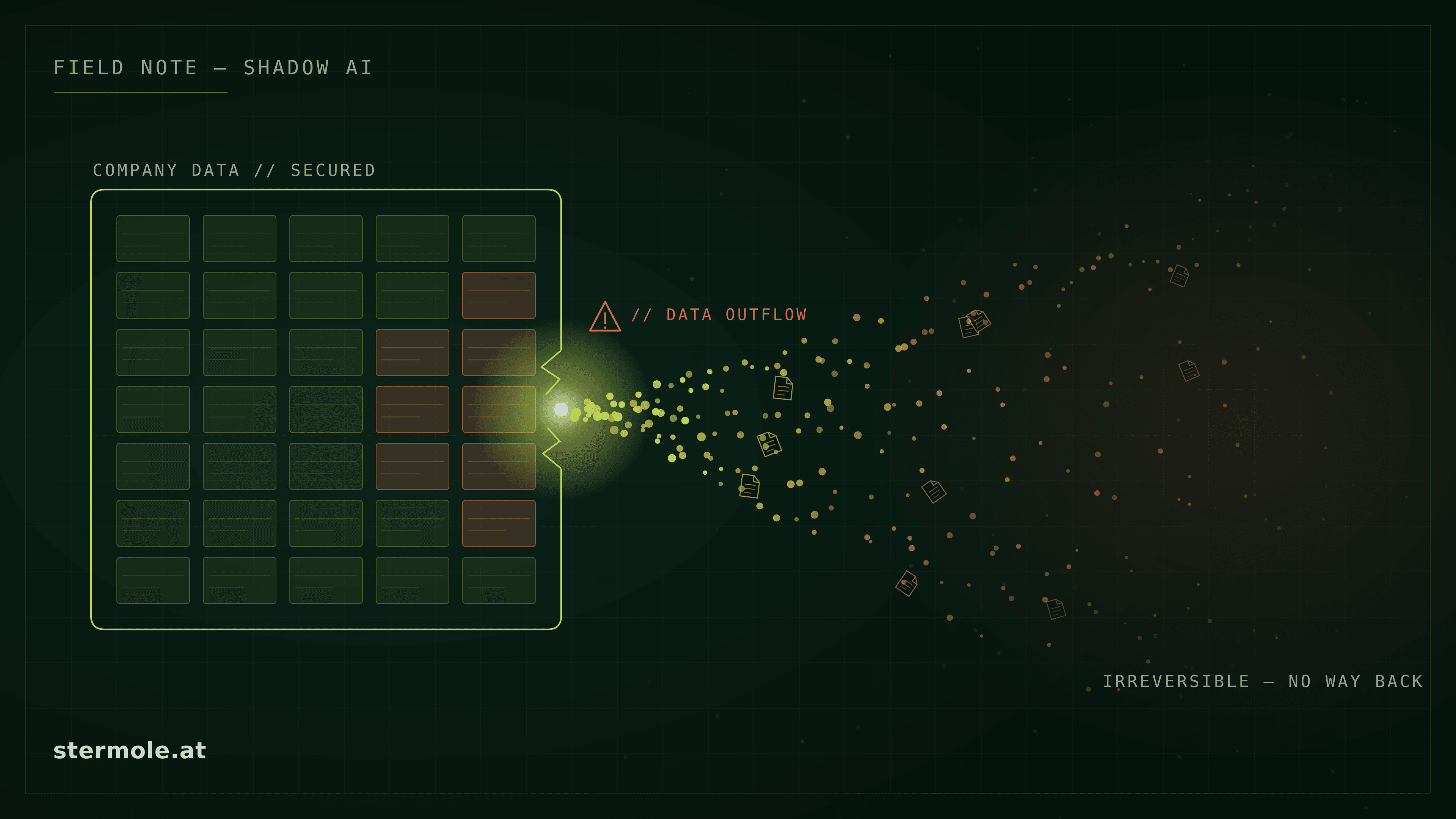
Shadow AI is usually an offering problem
Shadow AI rarely starts because employees deliberately want to break rules. More often, they are trying to solve a real productivity problem: drafting a text, finding information, summarising documents, comparing data or speeding up repetitive work.
When no useful official path exists, private accounts, consumer tools and improvised workarounds are only a click away. Employees are not the root cause here; they are a signal that the provided way of working does not fit the task well enough.
Shadow AI is often not a discipline problem. It is a productivity and offering problem. An official AI working path has to be both safe and useful.
That is why a policy buried in a PDF folder or a blanket ban is not enough. People who need to finish a task today will find a route. The more useful question is not “How do we stop every tool?” but: Which tasks are people trying to solve, and which controlled path do we provide for them?
Why employees turn to unofficial AI
The reasons are often ordinary, which makes them easy to underestimate. Perhaps there is no approved tool yet. Perhaps approval takes months while a private account works immediately. Perhaps a standard product exists, but cannot reach the required company data or handles the actual use case worse than a freely available tool.
Several gaps often overlap:
- It is unclear which data may go into which tool.
- An official tool is approved for general assistance, but not for document work, internal knowledge or a specialist process.
- Required sources, connectors or integrations are missing.
- The restriction is clear, but the alternative is not.
- There is no clear decision about when a standard product is enough and when another working path is needed.
That is not a reason to accept uncontrolled data flows. It is a reason not to stop at assigning blame. Shadow AI is a usage signal: it shows which tasks employees want to automate, where current systems leave gaps and which product or integration decision is still missing.
Visibility before prohibition
Technical controls still matter: limit known consumer services, require company accounts, use DLP, proxy or browser policies, and reduce prohibited data paths. They provide protection and establish clear boundaries.
But controls are hygiene, not the solution. If the use case remains, activity may move to private devices, other services or manual workarounds. A ban without a useful alternative can reduce visible use without necessarily reducing actual use.
Every restriction therefore needs a product question alongside it: Which usage patterns exist? Which tasks recur? Which teams need a reliable path for the same problem? The goal is not to catch people; it is to understand and prioritise use cases.
Not every shadow-AI use case needs a platform
Visible demand is not automatically an argument for a large AI initiative. The smallest suitable working path is often the better answer.
A. A standard product is enough
For general assistance such as writing, summarising or research, a centrally managed Business or Enterprise product may be sufficient. The condition is that data, permissions and work context remain within the product's intended boundary.
B. A controlled extension is enough
If a team needs additional sources, a clearly bounded connector or retrieval over selected company information, an extension can be more appropriate than a separate platform. The integration boundary needs to be explicit.
C. A custom application is needed
Multiple systems, dedicated process logic, finer permissions, controlled tool or API actions, or specific operational boundaries can justify a custom application. It is not a maturity stage; it is a response to real requirements.
ChatGPT & Copilot at work examines the product decision behind these three paths. Where the target architecture or integration question is open, AI consulting & solution architecture is the appropriate next step.
Provider policies: check the account and settings
Checked: 7 October 2026. For Claude Free, Pro and Max, including Claude Code, routine use of chats and coding sessions for model improvement depends on permission in privacy settings. Safety reviews, other explicit opt-ins and feedback are separate cases. The consumer documentation distinguishes these cases.
When model improvement is allowed, Anthropic may retain de-identified data from new or resumed chats after the setting is enabled for up to five years in training pipelines. This is not a blanket retention period for every consumer chat; separate rules apply to feedback, safety and legal obligations. See retention. For commercial Anthropic products such as Claude for Work and the API, inputs and outputs are not used for training by default; voluntarily shared feedback and other permissions can be exceptions.
OpenAI: The former Team plan has been called ChatGPT Business since 29 August 2025. In personal ChatGPT accounts, model improvement is controlled through Data Controls; after opting out, new conversations are not used for training, although voluntary feedback may still include the associated conversation. Temporary chats are not used for model improvement while they remain temporary. ChatGPT Business, Enterprise and the API exclude training use by default. Sources: model improvement and Enterprise Privacy.
Retention and sharing controls — checked 12 October 2026: No training by default does not automatically mean short retention. Check retention and sharing permissions for each product, workspace, project and feature. For Claude Enterprise, project retention takes precedence over chat retention; projects without a configured project retention period are retained indefinitely by default. The configurable chat/project retention policy does not cover every feature, including Claude Managed Agents and features built on Claude Code on the web. See Anthropic's Enterprise retention documentation.
For personal OpenAI accounts, the ChatGPT opt-out covers new conversations and Codex tasks. Codex's Include environments setting separately controls whether full environments may be used for training; changing ChatGPT or Privacy Portal settings does not change it. See OpenAI's model-improvement documentation.
The official AI working path
A working path does not need to be an oversized governance framework. It connects real tasks to clear boundaries and an alternative people will actually use.
From invisible usage to an official AI working path
- 01
Unofficial usage
Private tools and workarounds reveal an unmet work need.
- 02
Understand use cases
Look at tasks, teams and recurring patterns rather than individual people.
- 03
Define boundaries
Classify data, risks and permitted processing paths clearly.
- 04
Provide the official path
Choose a standard product, extension or custom application that fits the use case.
- 05
Review adoption
Observe use, identify gaps and address exceptional cases deliberately.
Step 1: Make usage visible
Identify which tools are actually in use, for which tasks, with which types of data, and where recurring patterns appear across teams. This is not employee surveillance. It creates a shared factual basis for priorities.
Step 2: Cluster real use cases
Prioritise tasks rather than tool names: writing and summarising, research, internal knowledge, document work, customer and support processes, or system actions. This reveals which requirements are genuinely similar and where an exception begins.
Step 3: Set data and risk boundaries
Clarify concisely what may enter a standard product, what needs controlled data paths, what is excluded, and when specialist or legal review is required. GDPR-compliant AI for companies covers the technical and legal depth behind that decision.
Step 4: Provide the smallest suitable alternative
The most sovereign solution is not automatically the right one. The deciding factor is the smallest option that is safe enough and genuinely solves the real use case: a standard product, a clearly bounded extension or a custom AI application. ChatGPT & Copilot at work explains the distinction.
Step 5: Create clear rules for use
A good rule does not need 20 pages. Employees need to know which tool they may use for which task, which data is allowed there, what is excluded and where to go when they are unsure. A short, actionable rule is more valuable than a policy nobody can find.
Step 6: Review adoption
Check whether the official path is actually used, where private use remains and which use cases are still missing. If an approved tool is not adopted, that is a product or workflow signal, not automatically a training problem.
Step 7: Address exceptional cases deliberately
Some specialist processes may need deeper integration, a custom application, private AI or a specific operating boundary. Once an integrated or custom solution follows, the broader architecture questions become relevant; the enterprise AI architecture checklist can then be the next deep dive.
If sensitive data has already been uploaded
This is no longer an adoption topic; it is a concrete incident. Document the tool, account, time and data type. Do not speculate about whether content is “stored in the model”; carry out the technical and legal assessment in a structured way.
AI data breach: what matters in the first 72 hours explains the first steps. The AI incident response service provides concrete assessment and documentation support. This is deliberately an exceptional path; it does not replace work on the official AI working path.
Risk management: yes, but not only
Shadow AI belongs on the risk agenda when it recurs, involves sensitive data, affects critical processes or systematically emerges around policies. Risks, responsibilities and technical safeguards need to be traceable.
Governance alone, however, does not solve an adoption problem. A durable measure combines control with a working path employees voluntarily prefer over a private workaround.
Conclusion: shadow AI is an offering problem, not a prohibition problem
Shadow AI does not disappear through better wording in a policy. It becomes smaller when a company understands real tasks, sets clear boundaries and provides an official path for important use cases that is safe and useful.
The best control can therefore be to provide the right standard path faster. Usage patterns then supply not only a risk signal, but also the basis for the actual product, integration and architecture decision.
Frequently asked questions
What is shadow AI? Shadow AI is AI use outside a clear, approved company path: private accounts, unvetted extensions or improvised workarounds. It often signals that a real work need is not adequately covered.
Why do employees use unapproved AI? Usually to solve a real task faster: writing, summarising, researching or comparing information. If the approved path is unclear, slow or poorly suited to the task, private tools are easier to reach.
Should companies block ChatGPT and other AI tools? Technical controls can reduce prohibited data paths. On their own, though, they do not remove the underlying need; usage may simply become less visible. A usable official path is needed alongside them.
How can a company prevent shadow AI sustainably? Make usage visible, understand real use cases, set data and risk boundaries, and provide the smallest suitable approved alternative. Actual adoption then shows which gaps remain.
Does every company need its own AI platform? No. A centrally managed standard product can be enough for general assistance. More sources, finer permissions, process logic or controlled system actions may justify an extension or a custom application.
What if sensitive data has already been uploaded? That is a concrete incident, not merely an adoption issue. Document the tool, account, time and data type, then assess it technically and legally. The AI data-breach article and AI incident response service cover the first steps.
Does Claude automatically train on my company data? For Claude Free, Pro and Max, routine model improvement depends on your permission; up to five years of retention in training pipelines is tied to that permission. Safety reviews, feedback and explicit opt-ins are separate cases. Claude for Work and the API do not use inputs or outputs for training by default.
Note: This article provides technical and organisational guidance and does not replace legal advice. Seek qualified legal counsel for a binding assessment of a concrete incident.
Where does your company stand? The Shadow AI Check creates a solid starting point within 2–3 days: actual usage, real use cases, data and risk boundaries, and the most suitable official AI working path. → Request a no-obligation initial call
Sources
- IBM Think: What is shadow AI?
- IBM Newsroom: Cost of a Data Breach Report 2025 – key findings on AI and shadow AI
- IT Finanzmagazin: Shadow AI – an underestimated risk